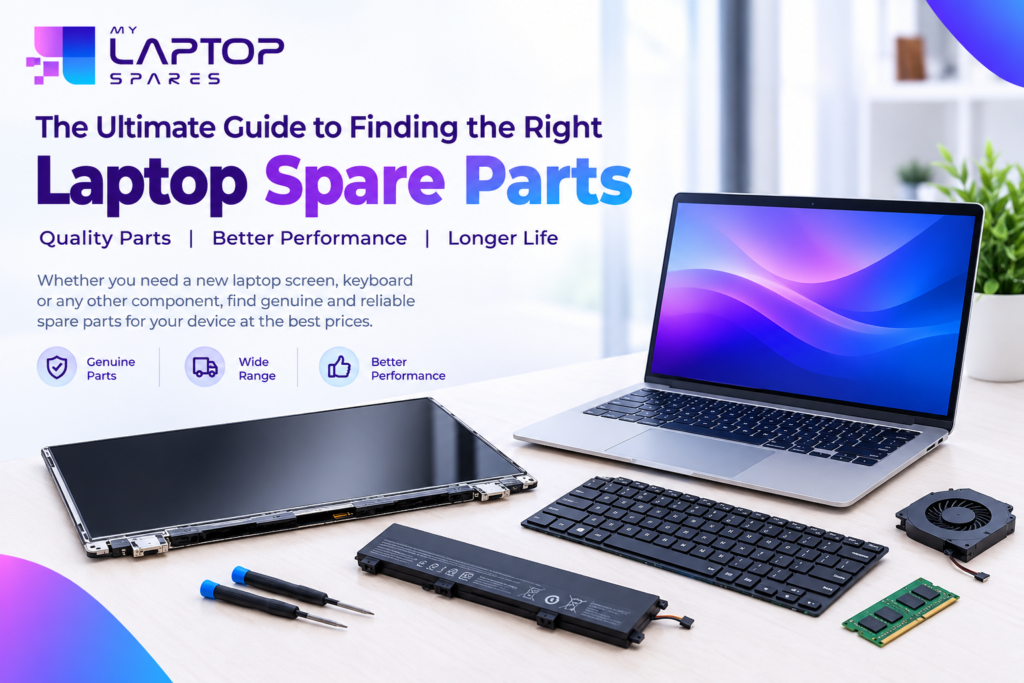
A cracked display, a keyboard with dead keys, or a battery that dies within an hour: every laptop user faces one of these problems sooner or later. In many cases you don’t need a new laptop at all. Replacing a single part can bring it back to life at a fraction of the cost.
The hard part is knowing where to buy laptop spare parts and how to choose the right one. A wrong order means wasted money, delays and frustration. This guide explains what to check before buying, how pricing works, and how to avoid common mistakes. It is written by the team at My Laptop Spares, so you can order with confidence.
Why Buy Laptop Spare Parts Online?
Not long ago, finding a replacement part meant visiting several local shops and hoping one had your model in stock. Today, buying laptop parts online is easier for a few clear reasons:
- More choice: Online stores stock parts for many brands and models, including older laptops that local shops rarely keep.
- Easy price comparison: You can compare prices in minutes instead of walking from shop to shop.
- Detailed listings: A good product page shows the model number, specifications and compatibility details, so you can verify before you pay.
- Doorstep delivery: You can order from anywhere in India and have the part delivered to your home or office.
If you are searching for a trusted buy Laptop Spares in Delhi , look for a store that lists model-wise compatibility, shows clear product photos and explains its return and warranty policy. Those three things tell you a lot about how seriously a seller treats its customers.
Laptop Screen: What to Check Before You Order
A damaged display is one of the most common repairs, and also the one where buyers make the most mistakes. Two screens can look identical and still be incompatible. Before buying a laptop screen, check these details:
- Screen size: Usually 13.3″, 14″, 15.6″ or 17.3″. This is printed in your laptop’s specifications.
- Resolution: HD (1366×768), Full HD (1920×1080) or higher. A mismatch here can stop the display from working properly.
- Connector type: Common types are 30-pin and 40-pin eDP. The connector must match your laptop’s motherboard.
- Panel type: IPS panels offer better colours and viewing angles, while TN panels are more basic and usually cheaper.
- Touch or non-touch: A touchscreen panel will not work in a laptop designed for a standard display, and vice versa.
- Model number: The safest method is to search with your exact laptop model number, or the part number printed on the back of your existing panel.
If the screen only has a crack but still displays normally, you still need to replace the whole panel, because the glass and display are one unit. A flickering screen, lines across the display or a completely black screen can also be caused by a loose cable or a graphics issue, so it helps to rule that out first.
Laptop Keyboard Price: What Decides the Cost?
Many people ask why the laptop keyboard price is so different from one model to another. There is no single fixed price, because several factors affect it:
- Brand and model: Keyboards for popular models are widely available and usually cost less. Rare or newer models can cost more.
- Backlit or non-backlit: A backlit keyboard has extra components, so it is generally priced higher.
- Keyboard layout: Layouts differ between models. Some keyboards come with a frame (palm rest), while others are sold as the keyboard alone.
- Condition and quality: New compatible keyboards, original-quality keyboards and refurbished options sit at different price levels.
A keyboard is also one of the easier parts to replace. Many models need only a few screws and a ribbon cable, although some laptops have the keyboard fixed under the top cover, which makes the job harder. If you are not confident, it is better to take the laptop to a technician than to risk damaging the cable or motherboard.
Tip: Do not choose a keyboard on price alone. Check that the key layout, the number of cable pins and the mounting points match your laptop.
HP Spare Parts in India: Original or Compatible?
HP is one of the most widely used laptop brands in the country, so demand for HP spare parts India is always high. Whether you need a battery, charger, screen, keyboard or hinge, you will usually find two types of parts:
Original (OEM) parts are made to the same standard as the parts that came with your laptop. They generally cost more but are a good choice for newer models or if you want maximum reliability.
Compatible parts are made by third-party manufacturers to fit specific models. They are often more affordable and perform well for everyday use, as long as they come from a reliable source.
For an older laptop that you mainly use for browsing, documents or online classes, a good compatible part is often the more sensible choice. For a recent or high-value laptop, original parts may be worth the extra cost. Either way, always match the part number to your exact HP model. Even laptops from the same series can use different parts.
Quick Checklist Before You Buy
Run through this list before placing any order:
- Note your laptop’s brand, model number and part number (check the sticker under the laptop).
- Compare the specification of the new part with your old one.
- Read the product description and look for compatibility notes.
- Check the seller’s return, replacement and warranty policy.
- Ask for help if you are unsure. A good seller will guide you instead of rushing you to buy.
- Keep the invoice, which helps if you ever need a warranty claim.
Why Choose My Laptop Spares?
At My Laptop Spares, our goal is simple: help you find the right part the first time. Our collections cover popular needs such as screens, keyboards and HP parts, and our listings are organised so you can search by brand and model. If you are unsure which part fits your laptop, our team can help you check compatibility before you order. A little guidance up front can save you a return and a lot of waiting.
Browse our laptop spare parts collection to find what your laptop needs, and give your device a longer life without paying for a new one.
Frequently Asked Questions (FAQs)
- Where can I buy laptop spare parts online in India?
You can buy them from specialised online stores such as My Laptop Spares. Choose a seller that lists model compatibility, shows clear product details and offers a return or replacement policy. - How do I know which laptop screen fits my laptop?
Check your laptop’s model number, screen size, resolution and connector type. For the safest match, use the part number printed on the back of your current display. - Why does laptop keyboard price vary so much?
The price depends on the brand, model, backlit or non-backlit design, layout, and whether the part is original, compatible or refurbished. - Are compatible HP spare parts safe to use?
Yes, good-quality compatible parts work well for most users, especially on older models. Always match the exact part number and buy from a seller you trust. - Can I replace a laptop keyboard or screen myself?
Some models allow easy replacement with basic tools, but others need the laptop to be opened completely. If you are not sure, it is best to get help from a technician.